
Shenzhen Lean Kiosk Systems CO., LTD
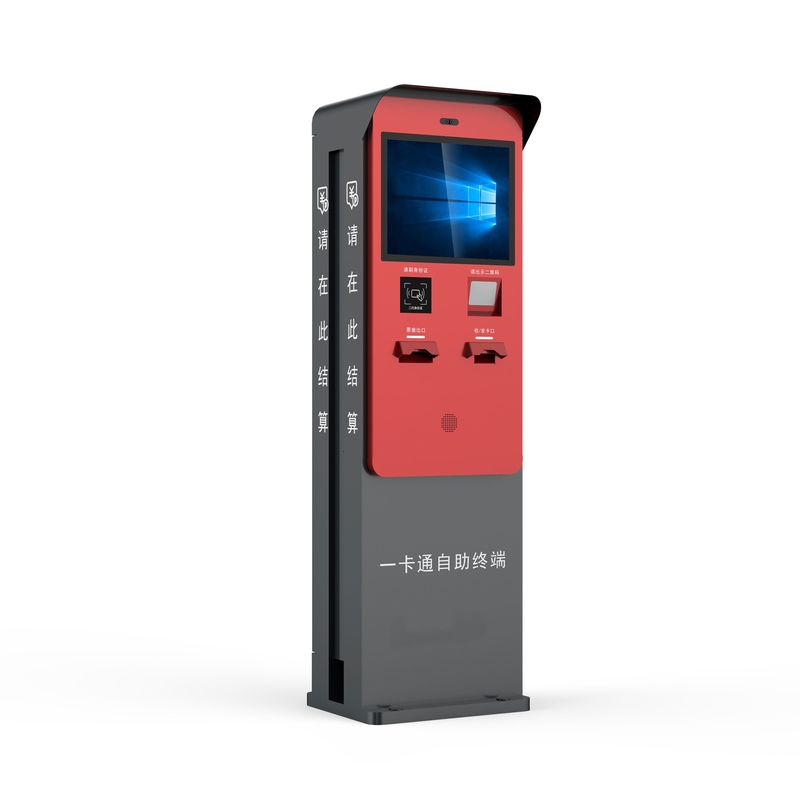 | Parking Ticket Kiosk FunctionsTicket ScanningRead supported barcodes or QR codes printed on parking tickets. Parking Fee LookupRetrieve the associated parking fee through the parking management platform. Ticket ValidationSupport approved validation workflows when the backend provides the required functions. Parking PaymentIntegrate compatible payment modules where payment is required. Receipt PrintingIssue printed transaction records when configured. |
| Type | Main Application |
|---|---|
| Ticket Scanning Kiosk | Parking record identification |
| Ticket Validation Kiosk | Discount or validation workflow |
| Ticket Payment Kiosk | Ticket-based fee payment |
| Ticket Information Kiosk | Parking record lookup |
| Multi-Function Ticket Kiosk | Combined ticket functions |
Typical Hardware
| Where Parking Ticket Kiosks Are Used
|
The user scans the parking ticket.
The kiosk reads the identifier.
The application retrieves the parking record.
The parking platform checks the applicable validation rules.
The system returns the result.
The kiosk displays the updated status or fee.
Payment or confirmation follows the configured workflow.
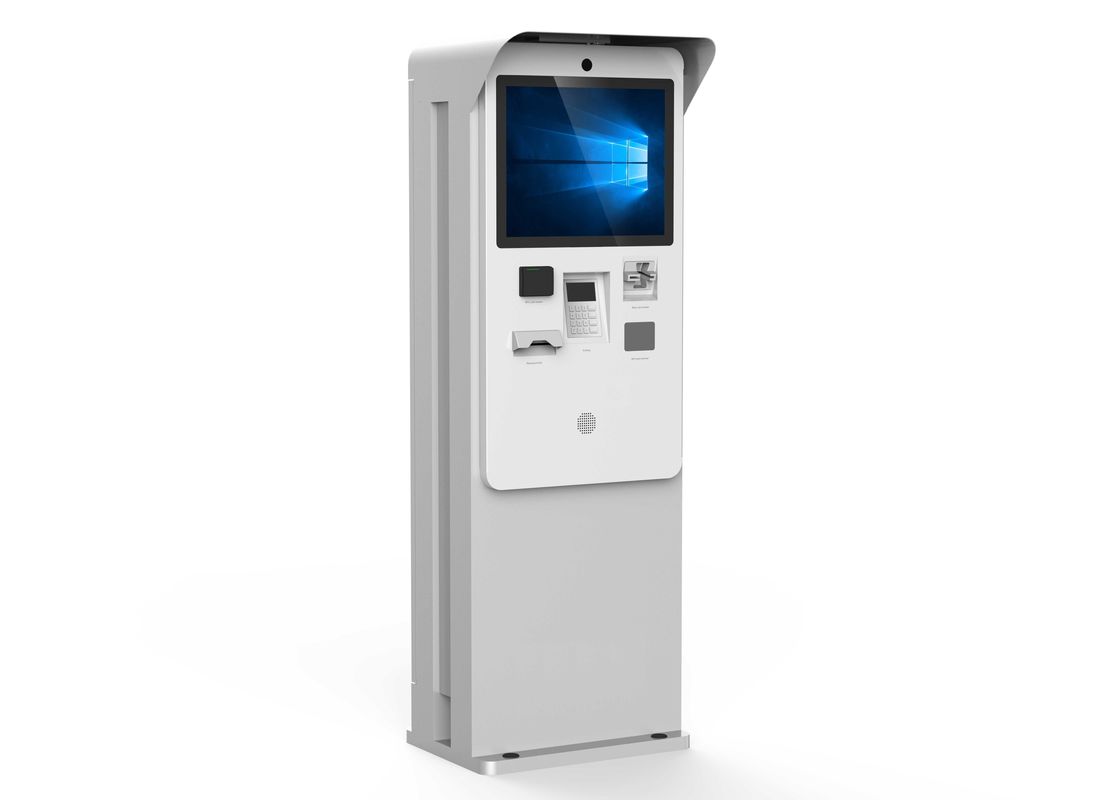
Confirm barcode type, QR code format and ticket dimensions.
Validation depends on the parking management software and its rules.
Select a scanning-only or payment-enabled configuration.
Determine cabinet dimensions, screen size and environmental requirements.
Select a suitable thermal printer if required.
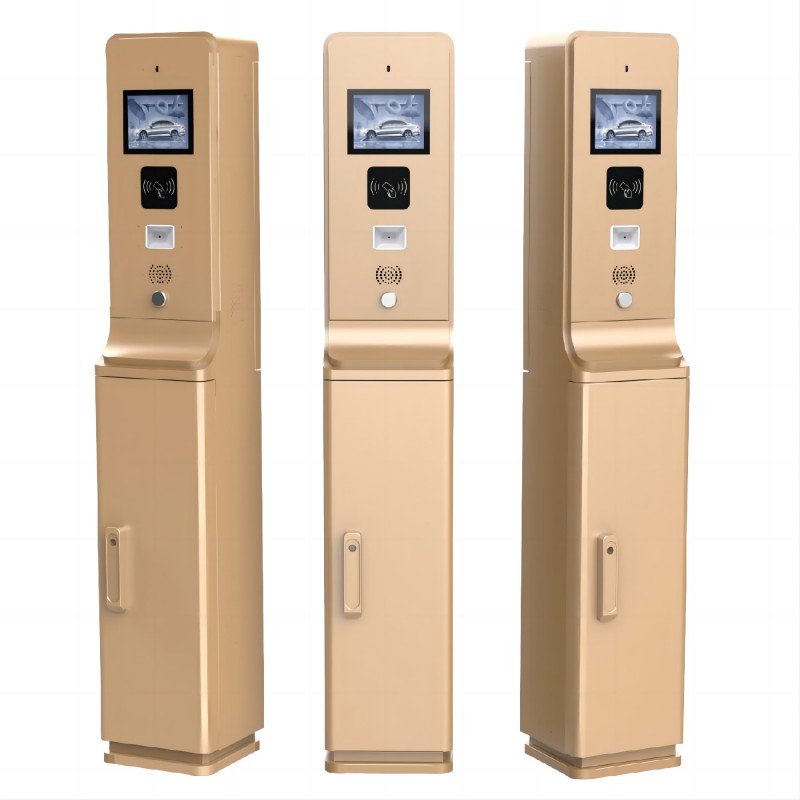
We support scanner selection, printer installation, touchscreen configuration, cabinet dimensions and compatible payment hardware.
The approved system should be tested for ticket reading and application communication.
Yes, when the parking platform supports the required validation function.
Yes, with a compatible scanner.
Yes, if payment hardware and software are included.
Compatibility depends on the available interfaces.
Contact Lean Kiosk with your ticket format, validation workflow, software platform and required hardware configuration.