
Shenzhen Lean Kiosk Systems CO., LTD
Watch our factory video below! We're proud to offer expert prking kiosk machine solutions, crafted with over 15 years of manufacturing experience as a professional, direct factory. See our capabilities firsthand!
A printed parking ticket contains a QR code or barcode linked to a parking record.
The driver presents the ticket to the scanner. The kiosk application retrieves the associated parking information from the parking management system.
The customer presents a supported payment code on a mobile device.
The scanner reads the code, and the approved payment application processes it through the relevant provider.
The kiosk displays a transaction-specific payment QR code.
The customer scans it using a compatible payment application, and the kiosk receives payment confirmation through the configured software integration.
These workflows require different software arrangements even when they use similar QR technology.
Confirm supported barcode formats, scanning distance and whether the reader can scan codes displayed on smartphones.
Bright sunlight, reflections and low-light conditions can affect scanning performance.
The scanner must be placed at a comfortable height and angle, with sufficient clearance for tickets or smartphones.
USB, serial and other supported interfaces should be matched to the industrial computer and application.
Outdoor scanner openings require suitable protective design and maintenance access.
A scanned QR code is only an identifier or payment input. The parking application must determine what that data represents.
For ticket identification, the application may send the scanned identifier to the parking management platform.
For electronic payment, the application must use the payment provider's supported transaction process.
Successful payment should be confirmed before the parking record is updated.
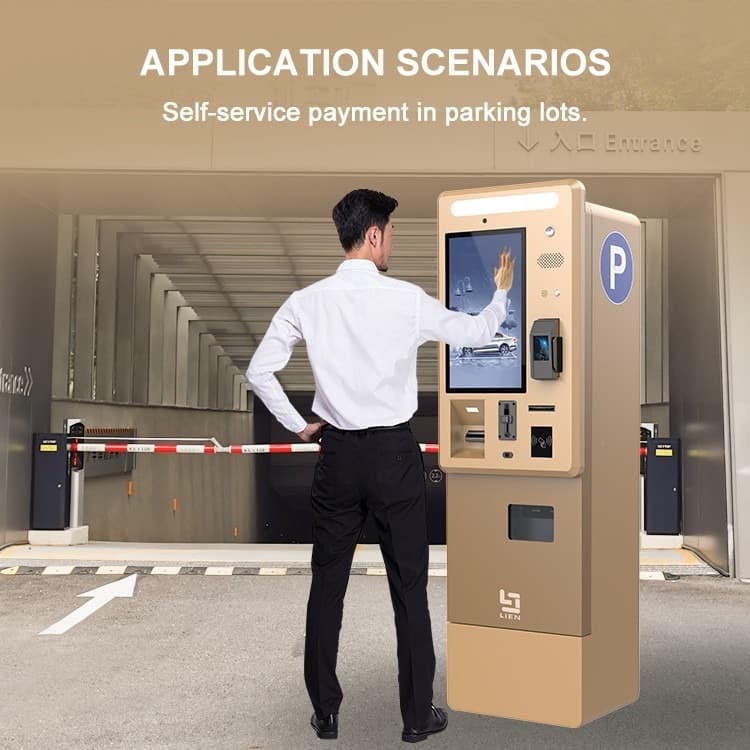
Supports mobile payment interaction and ticket identification.
Uses QR codes for ticket lookup, validation or supported ticket-related functions.
Combines parking identification and compatible QR payment options.
May scan printed tickets or mobile parking credentials.
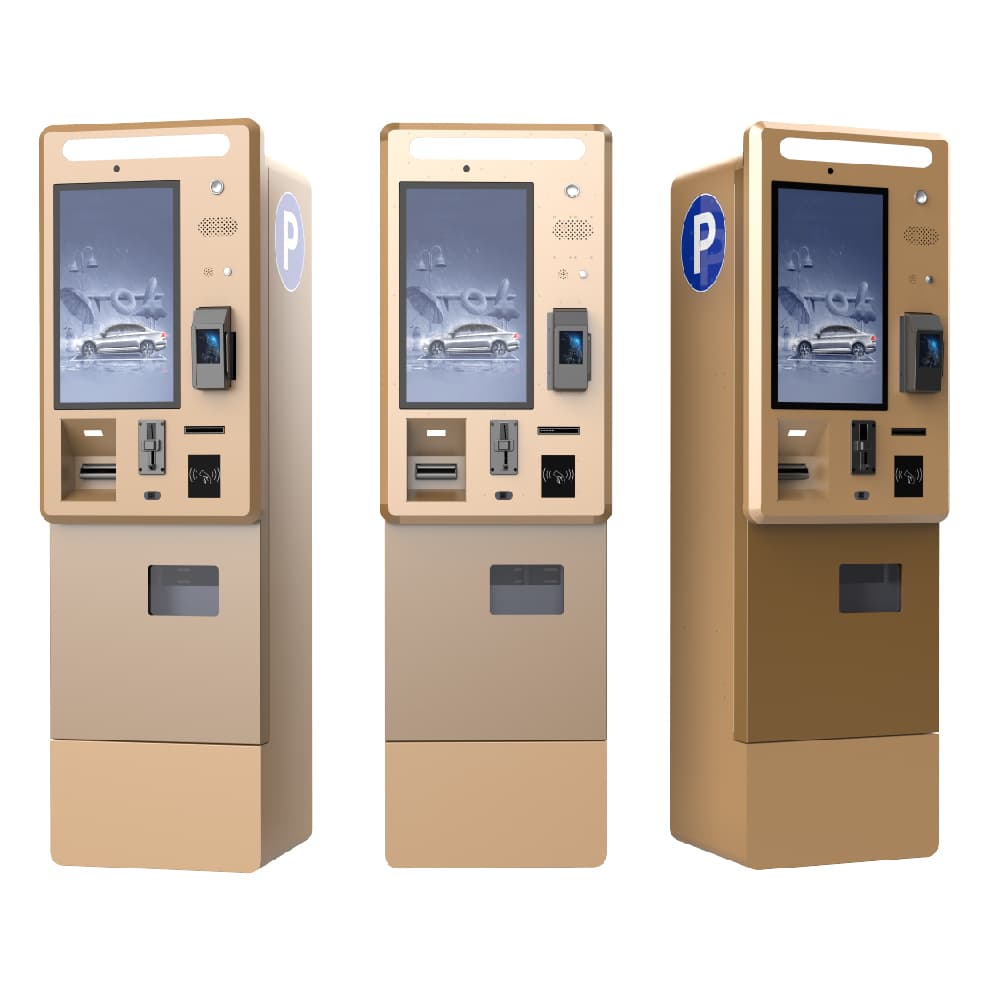
Our engineering process considers scanner selection, cabinet positioning, operating system compatibility, communication interfaces and application requirements.
The scanner is mounted in a position suitable for the intended user interaction, with appropriate access for cleaning and replacement.
The customer's payment provider and parking software team confirm the QR payment workflow, API requirements and transaction handling.
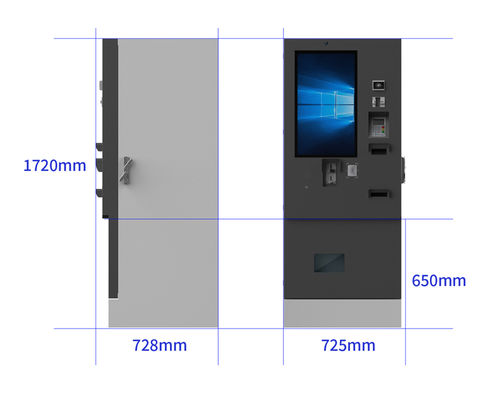
Unreadable mobile codes: Evaluate scanning distance, brightness, screen reflections and scanner capability.
Wrong parking record: Confirm identifier format and backend lookup rules.
Payment confirmation delay: Define transaction status handling and timeout behavior.
Outdoor scanner contamination: Consider protected openings and maintenance procedures.
Different regional payment platforms: Confirm provider support before selecting the final configuration.
Compatible payment workflows can be integrated when the selected payment provider and application support them.
Some scanners support both, subject to barcode format and device capability.
Yes, if the software platform supports the required transaction and confirmation workflow.
This depends on the payment provider's approved offline capabilities. Online authorization should not be assumed to work offline.
Yes, with suitable device selection and enclosure protection.
Contact Lean Kiosk with your scanner requirements, payment platform, operating system and parking management interface specifications.
We can help plan a suitable QR-enabled parking kiosk configuration.